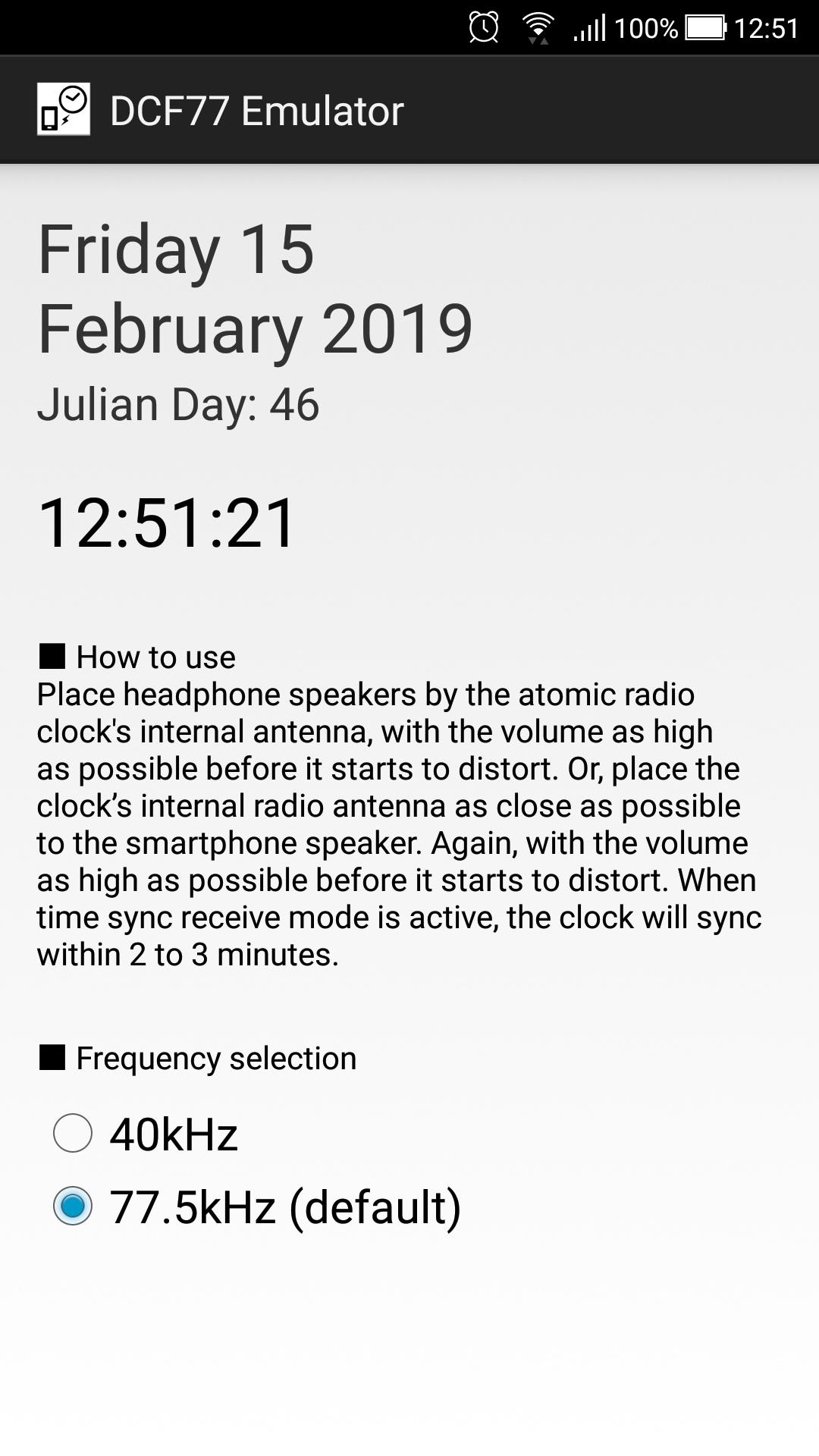
DCF77 Emulator — это мобильное приложение в жанре Работа, разработанное mokyuu. С помощью лучшего эмулятора Android — LDPlayer вы можете загружать и играть в DCF77 Emulator на своем компьютере.
Запустив DCF77 Emulator на компьютере, вы сможете четко просматривать страницы на большом экране, а управлять приложениями с помощью мыши и клавиатуры происходит намного быстрее, чем при использовании клавиатуры с сенсорным экраном, и вам никогда не придется беспокоиться о мощности вашего устройства.
Благодаря функциям многократного открытия и синхронизации вы даже можете запускать несколько приложений и учетных записей на своем ПК.
Функция передачи файлов упрощает обмен изображениями, видео и файлами.
Загрузите DCF77 Emulator и запустите его на своем компьютере. Наслаждайтесь большим экраном и качеством высокой четкости версии для ПК!
Attention: There are a lot of people this application requests, so it's made. But there is no environment that a maker tests. Operation guaranteed won't be done.Note
It can not correspond to the atomic clock. Please adjust the NPC time with other apps.
Correspondence in this application is not planned.
We will receive more emails requesting radio clocks from other countries, but since you can not create it without materials, please attach the clear material you need.
How to use
Place headphone speakers by the atomic radio clock's internal antenna, with the volume as high as possible before it starts to distort. Or, place the clock’s internal radio antenna as close as possible to the smartphone speaker. Again, with the volume as high as possible before it starts to distort. When time sync receive mode is active, the clock will sync within 2 to 3 minutes.